


|
Name |
Bear Player |
|---|---|
|
Google Play Link |
GET IT ON
Google Play
|
|
Category |
Video Players & Editors |
|
Developer |
Jusedon |
| Last version | 2.20.39 |
|
Updated |
|
|
Compatible with |
Android 6.0+ |
Introduction to Bear Player APK
Bear Player is an Android video player app built for people who want fast, simple playback without a messy setup. It focuses on the basics that matter most: opening video files quickly, supporting common formats, and keeping the controls easy to understand from the first tap.
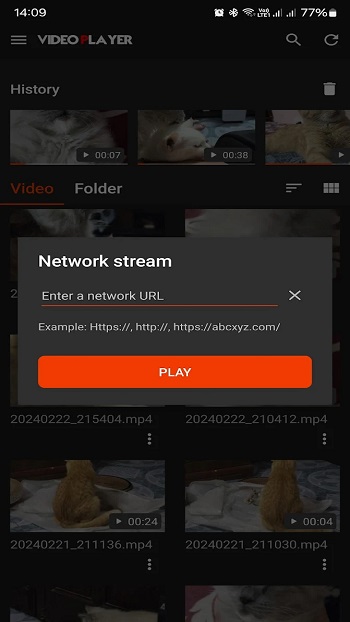
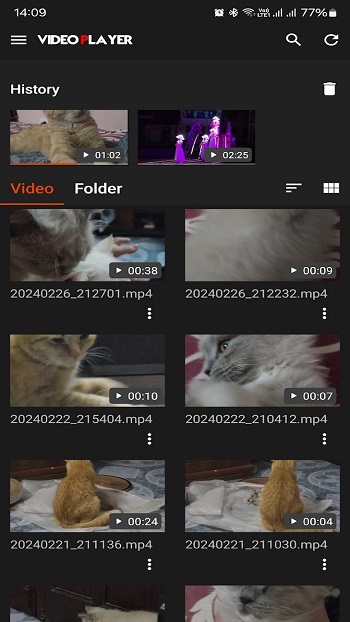
The app is mainly used for watching videos stored on your phone or tablet, and it also supports online video streaming. That makes it handy for users who switch between downloaded clips, saved recordings, and links from the web. Instead of making you dig through complicated menus, it keeps the process direct: choose a file, press play, and control playback from a clean screen.
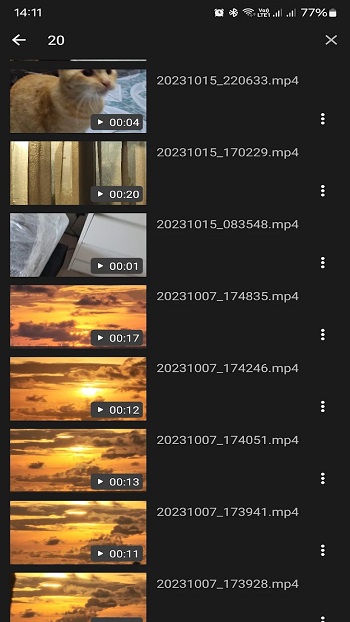
One of its strongest points is format support. Bear Player can handle popular file types such as MP4, MOV, MKV, and WMV, along with some less common formats. That saves time for users who do not want to convert files before watching them. If your videos come from different apps, devices, or downloads, this kind of flexibility makes daily use much easier.
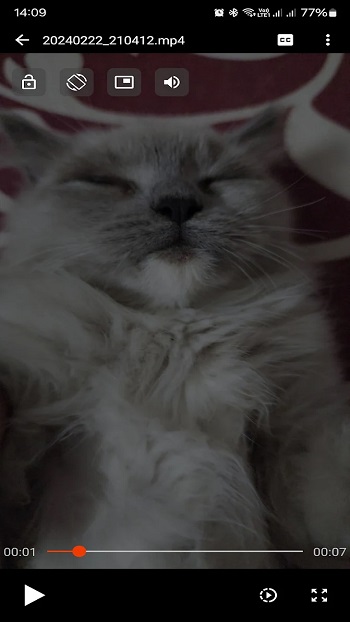
The interface is designed to stay simple. Playback controls are clear, the layout feels familiar, and the app does not bury basic functions under extra layers. This makes it a practical choice for casual users, older family members, or anyone who just wants a video to play without turning it into a side quest. On larger screens like tablets or some Android TV setups, that clean layout can feel even more comfortable.
There are also a few limits worth knowing. Some users may find the ads distracting during regular use. A few reported quirks can also affect convenience, such as picture-in-picture needing manual setup and playback position not always returning perfectly after switching views. These issues do not cancel out the app’s core usefulness, but they do matter if you watch long videos often or move between apps a lot.
Bear Player fits best for Android users who want a lightweight video app for everyday viewing. It works well for students watching saved lectures, people playing downloaded movies, or anyone opening mixed video files from different sources. Based on the app details provided, it seems most useful in simple, practical situations where broad format support and easy controls matter more than advanced editing tools or extra media features.
FAQs Bear Player
What is Bear Player used for?
+
Bear Player is used for watching video files on Android devices, including local videos stored on your phone and some online streaming content.
Which video formats does Bear Player support?
+
Bear Player supports several common formats, including MP4, MOV, MKV, WMV, and other compatible video files that can play without conversion.
Does Bear Player work for online streaming?
+
Yes. Bear Player can handle online video sources along with local files, which helps if you switch between saved videos and web links.
Is Bear Player easy for beginners to use?
+
Yes. The app has a simple layout with clear playback controls, so it is easy to open a file, start a video, pause, skip, or seek through it.
What are the downsides of Bear Player?
+
Some users may notice ads during use, and a few playback quirks can happen on certain devices, such as manual picture-in-picture setup or resume position issues.
Discover More Interesting Apps
-
 Mod
Mod
invideo AI
v4.5.39
95.92 Mb
Updated -
Kwai
v13.7.10.545901
7.10 Mb
Updated -
Mod
KwaiCut
v7.47.0.747156
194.95 Mb
Updated -
Mod
Web Video Cast
v6.0.1
86.86 Mb
Updated -
Mod
Rocks Player
vv12.1.446
84.68 Mb
Updated -
Mod
Screen Recorder
v6.9.8
71.49 Mb
Updated -
Mod
Zeemo
v7.0.7
144.96 Mb
Updated -
BroChill
v1.3.9
139.02 Mb
Updated -
Mod
FacePlay
v5.6.4
106.40 Mb
Updated -
Mod
Mivi
v2.35.923
139.11 Mb
Updated










Share Your Thoughts